Arcane for Battlefield 6
Arcane — Private Cheat for the Next-Generation Battlefield 6
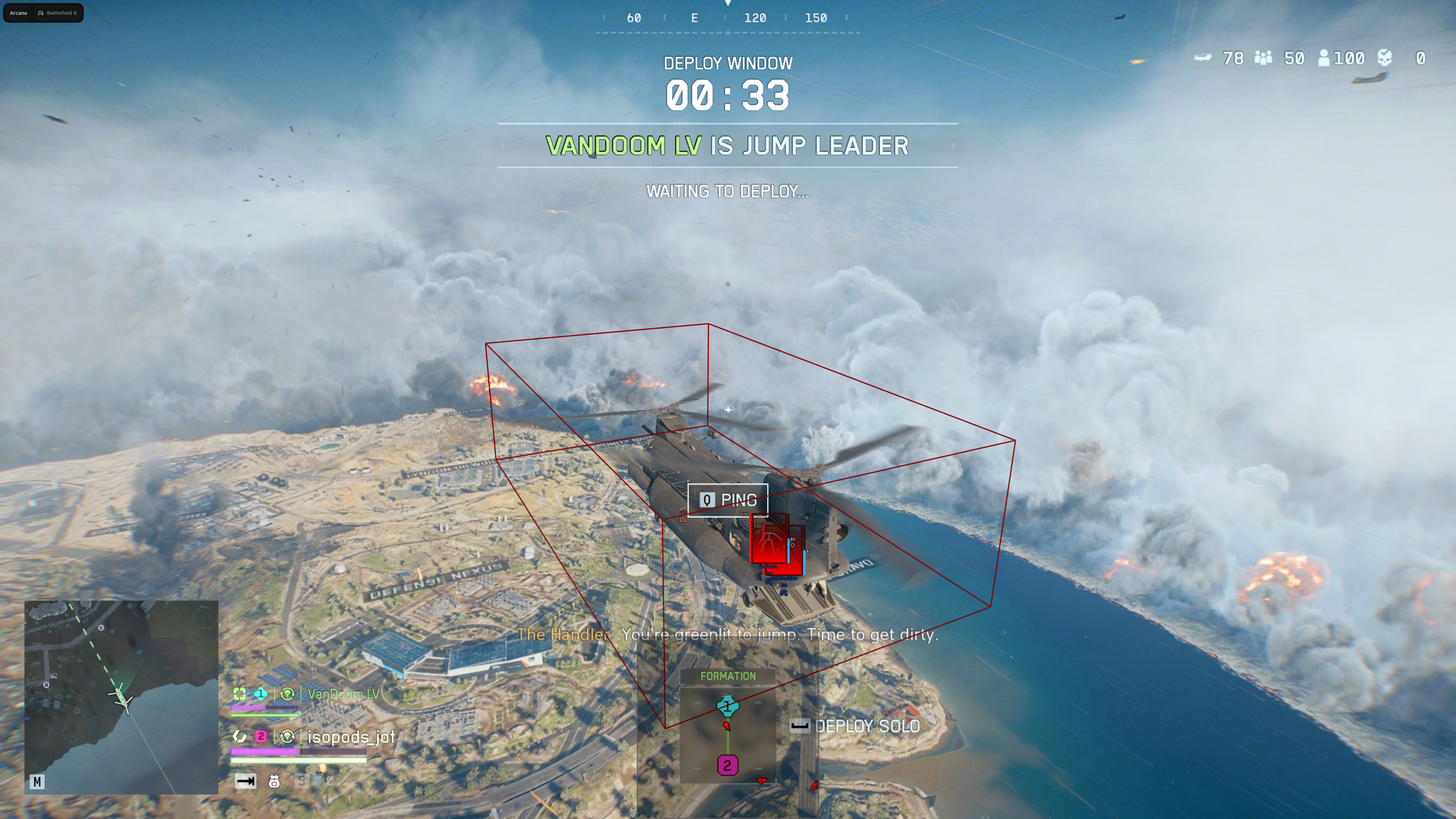
Arcane is a modern private cheat created specifically for Battlefield 6. It is perfect for those who value accuracy, safety, and confidence in every match. The software is fully compatible with the latest game updates and does not cause conflicts with the protection system.
The main advantage of Arcane is its well-designed structure without injection into game files. This minimizes ban risk while maintaining high performance even in dynamic battles.
System Requirements
Global keys — work worldwide.
Payment with a Binance card may be available for selected products. Contact us privately before buying to check availability and agree the details.
Features
Aimbot
- Two work modes: on hold or always active
- Target selection: enemies, teammates, knocked players
- Visibility check
- Player lock — keep one target until eliminated
- Switch delay between targets
- Two independent activation keys (First / Second keybind, e.g. M1 and M2)
- Bone mode: selected, closest, or random bone
- Specific bones: head, neck, chest, stomach
- Random bone delay
- FOV drawing: color, thickness, radius, smoothness
- Humanized aim motion
- Adjustable max engagement distance
Radar
- Show distance to markers
- Zoom and X/Y size controls
- Distance-based marker transparency
- Height indicator threshold
- Custom outline and background colors
- Separate settings and colors for enemies and teammates
- Independent render distance for enemies and teammates
Settings
- Menu keybind
- Unload keybind
- DPI scale: 100%, 125%, 150%
- FPS counter and FPS limit
- Themes: Murky and Sunny
- Optional watermark
- Menu language: EN, RU, CN
- Menu layout: 2 columns or 1 column
- Update list and patch notes inside the menu
Entities ESP (players)
- Show enemies and optionally teammates
- Visibility check
- Player info: name, distance, icon
- Team-based colors or single custom color
- Adjustable render distance
- Bounding box: full or corner only, with custom color
- Box fill: gradient or solid, with custom color
- Health bar (solid / gradient) and HP text
- Armor bar (solid / gradient) and armor text
- Skeleton and view line with adjustable length
- Knocked state label
Objects ESP (loot & vehicles)
- Vehicles with optional draw for occupied ones
- Weapons with type filter: AR, Carbine, DMR, Sniper, LMG, SMG, Shotgun, Sidearm, Launcher, Other
- Categories: Kit, Ammo, Drop, Air Support, Throwable, Deployable, Crate, Utility, Special, Mine, Unknown
- Per-category loot color and distance
- Single render distance for all objects
- Loot name languages: EN, DE, FR, IT, ES (Spain/LATAM), PT-BR, PL, KO, CN (Simplified/Traditional), JP
Miscellaneous
- Built-in crosshair styles: Plus, Circle, Dot, X Cross, Hollow Cross, Galactic Compass, Triangle
- Crosshair color, size and thickness
- Battle Mode keybind to hide selected overlays
- Hide items in Battle Mode
- Hide vehicles in Battle Mode
Configuration (configs)
- Sort by created date
- Create new configs
- Load a friend's config via unique key (Get shared)
- Launch, save, rename and remove configs
- Share your own configs with other users
Menu Screenshots

What's new in this cheat
1
New features, meaningful improvements and important fixes for this product.
Display Toggle Improvements and Settings Fixes
Archived announcement. The date records the changes; the exact build date is unknown.
- Added distance and icon toggles for objects.
- Added nickname, distance, and icon toggles for player info.
- Added Battle Mode toggles to hide the player nickname, player icon, and bar icons.
- Fixed the DPI Scale display.
- Fixed the FPS limit display.
Customer Reviews
All reviewsFrequently Asked Questions
What features are included in Arcane?
What payment methods are accepted?
How to contact support?
Payment is confirmed, but the product is missing. How long should I wait?
I have a key. Where are the download and instructions?
After payment you will receive detailed instructions on activation, launch and use of the software.
Instructions will be sent to the email address specified before payment.
You will also find a download link and necessary components for the software.
Cheat community
Cheat updates, detection status and help from other players — in our Telegram and Discord.