Covcheg for Apex Legends
Buy private cheat Covcheg for Apex Legends
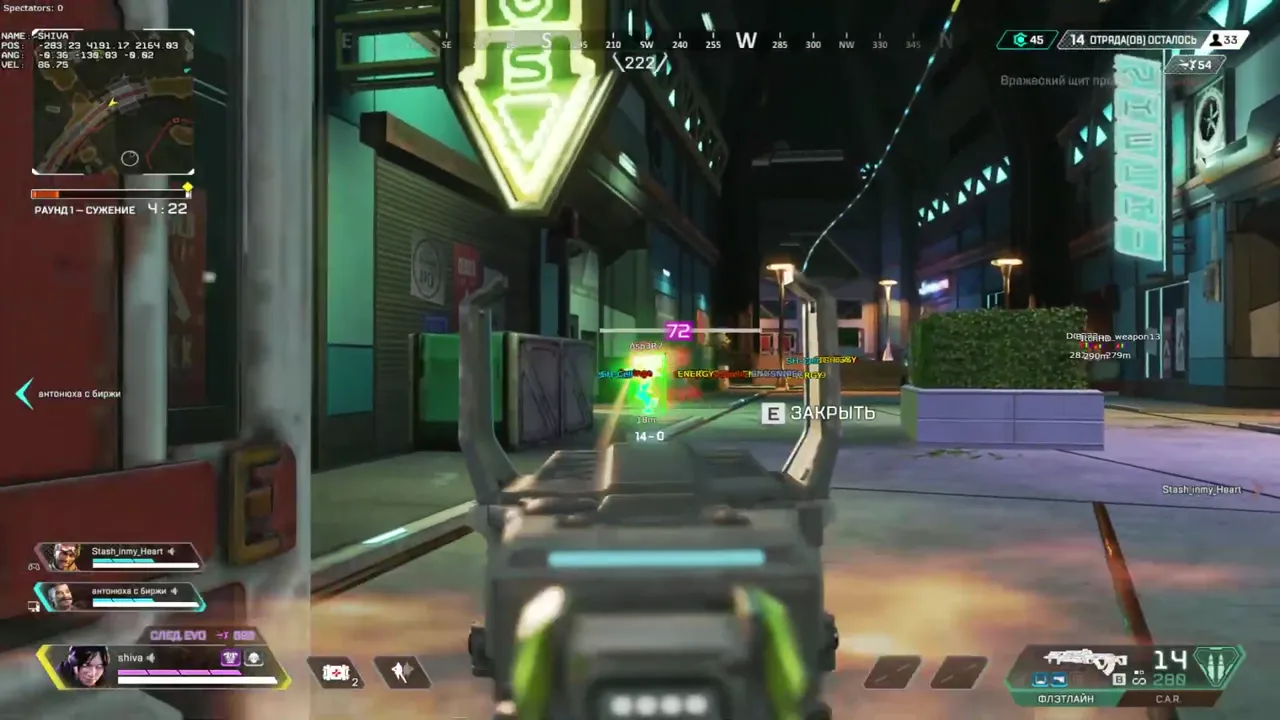
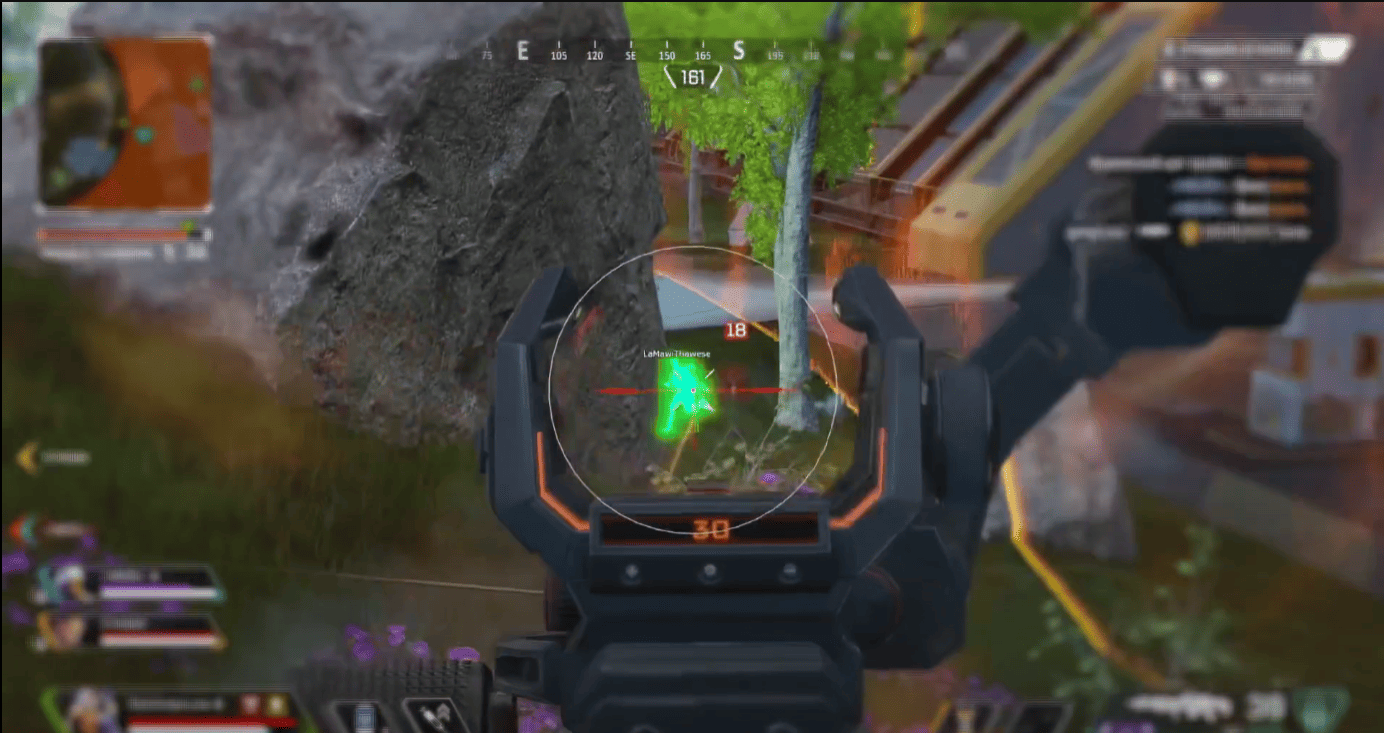
On our website you can purchase a high-quality private cheat Covcheg for Apex Legends. Modern software with effective anti-cheat bypass will ensure you and your team take the top spots. Simple launch and installation. Our technical support team is always ready to help and answer questions.
System Requirements
🔔 Cheat statuses update automatically from our Telegram bot via developer notifications — follow the news there. Many cheats update themselves after game changes, so a “Checking” status does not mean the cheat is broken — it is just uncertainty until confirmed. Not sure? Ask in the site chat or on our Contacts page.
Global keys — work worldwide.
Payment with a Binance card may be available for selected products. Contact us privately before buying to check availability and agree the details.
Features
AIM
- Enable - Toggle the function on/off
- Remove Sway & Recoil - Removes weapon shake and recoil
- Aim Binder - Bind a key to toggle AIM on/off
- Bullet prediction - Shoot towards the enemy direction
- Nearest bone - Set priority body part for AIM targeting
- Ignore Knocked - AIM won't target knocked players
- FOV - Set the radius for AIM operation
- Smooth - Set aiming smoothness
- Distance - Set the distance for AIM operation
ESP LOOT
- Draw weapons - Display weapons on the ground
- Draw Ammo - Display ammo on the ground
- Backpacks - Backpacks on the ground
- Armor - Shield cells on the ground
- Rarity Level Filter - Item rarity filter
- Shotguns
- Drop Guns
- Energy
- Heavy
- Light
- Sniper
- Helmet
- Misc Items
ESP
- Enable - Toggle ESP on/off
- Boxes - Players outlined with boxes
- Names - Display player nicknames
- Distance - Show distance to enemies
- Draw NPC - Show NPCs
- FOV - Edit field of view
- Crosshair - Draw crosshair on screen
- Health bar - Enemy health bar
- Shield bar - Enemy shield bar
- Visible Check - ESP only when enemy is visible
- Glow ESP - Color outline on enemies
MISC
- Enable ThirdPerson - Third person view
What's new in this cheat
1
New features, meaningful improvements and important fixes for this product.
Legend icon display added
Archived announcement. The date records the changes; the exact build date is unknown.
- Legend icon display was added.
Customer Reviews
All reviewsFrequently Asked Questions
What features are included in Covcheg?
What payment methods are accepted?
How to contact support?
Payment is confirmed, but the product is missing. How long should I wait?
I have a key. Where are the download and instructions?
After payment you will receive detailed instructions on activation, launch and use of the software.
Instructions will be sent to the email address specified before payment.
You will also find a download link and necessary components for the software.
Cheat community
Cheat updates, detection status and help from other players — in our Telegram and Discord.