FOCUS Hunt: Showdown
FOCUS — Hunt: Showdown
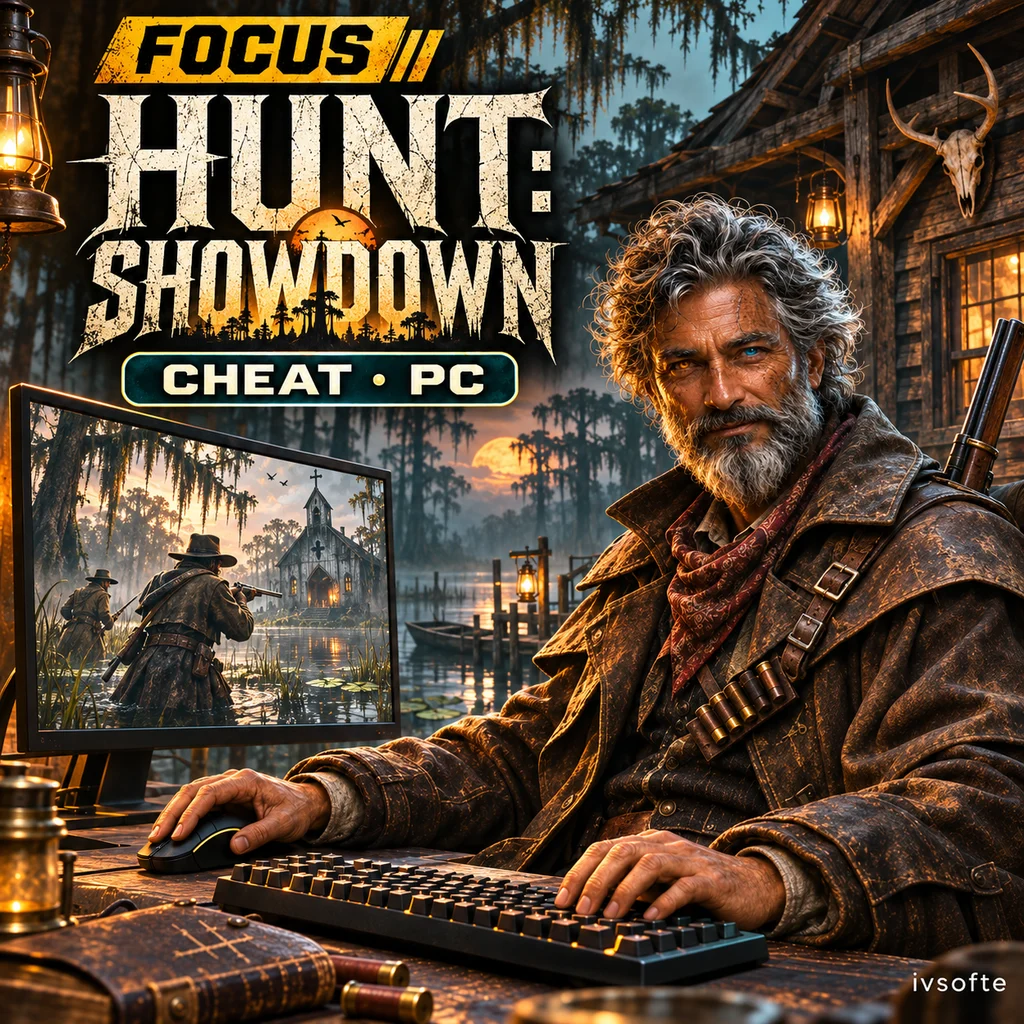
FOCUS for Hunt: Showdown is an ESP cheat covering players, bosses, monsters, animals and sound traps. Choose target categories and configure their appearance in a single overlay.
A custom crosshair, color controls and saved configurations are also included. This version supports Steam on PC; the detailed feature list is below.
Select an access period and pay for your order. Your key and instructions will appear on the IVSOFTE delivery page after payment verification. Reopening the link retrieves the same license.
System Requirements
🔔 Cheat statuses update automatically from our Telegram bot via developer notifications — follow the news there. Many cheats update themselves after game changes, so a “Checking” status does not mean the cheat is broken — it is just uncertainty until confirmed. Not sure? Ask in the site chat or on our Contacts page.
Global keys — work worldwide.
Payment with a Binance card may be available for selected products. Contact us privately before buying to check availability and agree the details.
Features
ESP · Players
- Master switch for player ESP. On by default. (ESP)
- Draw boxes around players. On by default. (Boxes)
- Full boxes instead of corners. Off by default. (Full box)
- Fill the player box. Off by default. (Fill box)
- Draw the player skeleton. On by default. (Skeleton)
- Display a health bar. On by default. (Health bar)
- Display health as a number. Off by default. (Health text)
- Display the distance to a player. On by default. (Distance)
- 100–3000 m. Default: 2500 m. (ESP range)
ESP · Bosses 2
Independent visibility toggle for this boss category. On by default. (Atlas)
Independent visibility toggle for this boss category. On by default. (Other bosses)
ESP · Monsters 2
Independent visibility toggle for this monster category. On by default. (Immolators)
Independent visibility toggle for this monster category. On by default. (Meatheads)
Independent visibility toggle for this monster category. On by default. (Leeches)
Independent visibility toggle for this monster category. On by default. (Water devils)
Independent visibility toggle for this monster category. On by default. (Firebreathers)
Independent visibility toggle for this monster category. On by default. (Hive swarms)
Independent visibility toggle for this monster category. On by default. (Cocoons)
Independent visibility toggle for this monster category. On by default. (AI hunters)
Independent visibility toggle for this monster category. On by default. (Other monsters)
ESP · Animals and sound traps 2
Independent visibility toggle for this sound trap. On by default. (Coach horses)
Crosshair
- Master switch for the custom crosshair. Off by default. (Crosshair)
- Crosshair lines. On by default. (Cross lines)
- Crosshair without the top line. Off by default. (T-style)
- Center dot. On by default. (Center dot)
- Crosshair circle. Off by default. (Circle)
- Outline the crosshair. On by default. (Outline)
- 3–40 px. Default: 8 px. (Size)
- 0–30 px. Default: 3 px. (Gap)
- 1–6 px. Default: 2 px. (Thickness)
Configs
Save settings under a custom name. (Save)
Browse saved configs and load the selected one. (List and load)
Controls and overlay
- Search all 67 functions using the field at the top of the menu. (Search)
- Ctrl + mouse wheel or Ctrl + plus/minus. (Quick scaling)
- Exit button in the sidebar. (Exit)
- Drawn only while the game is in the foreground. (Overlay)
- Hunt does not include auto-aim. (Auto-aim)
ESP · Bosses 1
Display boss names. On by default. (Boss names)
Independent visibility toggle for this boss category. On by default. (Butcher)
Independent visibility toggle for this boss category. On by default. (Spider)
Independent visibility toggle for this boss category. On by default. (Assassin)
Independent visibility toggle for this boss category. On by default. (Scrapbeak)
Independent visibility toggle for this boss category. On by default. (Rotjaw)
Independent visibility toggle for this boss category. On by default. (Hellborn)
Independent visibility toggle for this boss category. On by default. (Ursa Mortis)
Independent visibility toggle for this boss category. On by default. (Bloodskin)
ESP · Monsters 1
Master switch for monster ESP. On by default. (Show monsters)
Draw boxes around monsters. On by default. (Boxes)
Display monster names. On by default. (Names)
Display the distance to monsters. On by default. (Distance)
20–1000 m. Default: 150 m. (Range)
Independent visibility toggle for this monster category. On by default. (Grunts (zombies))
Independent visibility toggle for this monster category. On by default. (Armored)
Independent visibility toggle for this monster category. On by default. (Hives)
Independent visibility toggle for this monster category. On by default. (Hellhounds)
ESP · Animals and sound traps 1
Independent visibility toggle for this sound trap. On by default. (Crows)
Independent visibility toggle for this sound trap. On by default. (Ducks)
Independent visibility toggle for this sound trap. On by default. (Dog kennels)
Independent visibility toggle for this sound trap. On by default. (Chicken coops)
Independent visibility toggle for this sound trap. On by default. (Dying horses)
Independent visibility toggle for this sound trap. On by default. (Dying cows)
Independent visibility toggle for this sound trap. On by default. (Bats)
Independent visibility toggle for this sound trap. On by default. (Pigs)
Independent visibility toggle for this sound trap. On by default. (Snake baskets)
Colors
- Player color. Default: #FF2D2D. (Players)
- Health color. Default: #28DC50. (Health)
- Boss color. Default: #FFDC28. (Bosses)
- Monster color. Default: #FF8C14. (Monsters)
- Crosshair color. Default: #00D2DC. (Crosshair)
Menu settings
- Default: Home. (Menu key)
- 60–120%. Default: 100%. (Menu scale)
- Restore the default menu settings. (Reset menu settings)
- Focus blue, Violet, Cyan, Mint, Rose or Amber. (Accent preset)
- Choose a custom accent color. (Accent color)
Customer Reviews
All reviewsFrequently Asked Questions
What features are included in FOCUS Hunt: Showdown?
What payment methods are accepted?
How to contact support?
Payment is confirmed, but the product is missing. How long should I wait?
I have a key. Where are the download and instructions?
Select an access period and pay for your order. Your key and instructions will appear on the IVSOFTE delivery page after payment verification. Reopening the link retrieves the same license.
Cheat community
Cheat updates, detection status and help from other players — in our Telegram and Discord.