FOCUS SCP: Secret Laboratory
FOCUS — SCP: Secret Laboratory
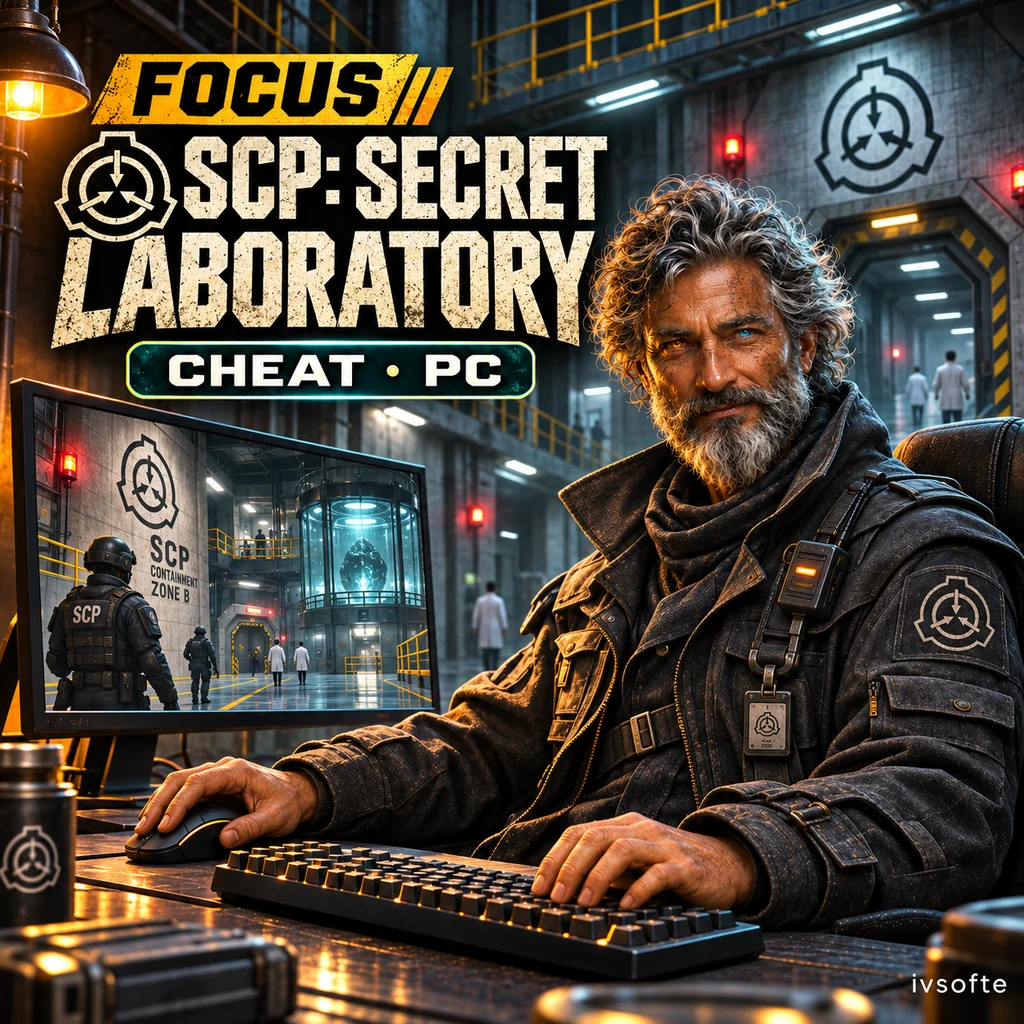
FOCUS for SCP: Secret Laboratory combines aim assistance with ESP for players, loot and facility objects. Room and generator displays add navigation information, while class colors help distinguish characters.
Dedicated sections cover weapon controls, performance, the menu and saved configurations. This version supports Steam on PC.
Select an access period and pay for your order. Your key and instructions will appear on the IVSOFTE delivery page after payment verification. Reopening the link retrieves the same license.
System Requirements
🔔 Cheat statuses update automatically from our Telegram bot via developer notifications — follow the news there. Many cheats update themselves after game changes, so a “Checking” status does not mean the cheat is broken — it is just uncertainty until confirmed. Not sure? Ask in the site chat or on our Contacts page.
Global keys — work worldwide.
Payment with a Binance card may be available for selected products. Contact us privately before buying to check availability and agree the details.
Features
Aim assistance 1
- Enable aim assistance and bind a hotkey. The default is the X2 side mouse button. (Enabled & hotkey)
- Hold, Toggle or Always. (Mode)
- 20–400 px; default 120 px. (Field of view)
- 1–20; default 5. (Smoothing)
- 10–250 m; default 100 m. (Max distance)
- Head, Neck, Chest, Stomach or Pelvis. (Hitbox)
- Body center, Head, Neck, Chest, Stomach or Pelvis. (SCP hitbox)
- Crosshair or Closest target selection. (Target selection)
- Lock onto the selected target. Enabled by default. (Target lock)
ESP · Players 2
- Display health as a bar. Enabled by default. (Health bar)
- Numeric health display. Disabled by default. (Health number)
- Class-D, Scientists, Guards, MTF, Chaos, Tutorial and SCPs. All enabled by default. (Team filters)
- 20–400 m; default 250 m. (Max distance)
- 1–4 px; default 2 px. (Box thickness)
- 5–80%; default 20%. (Fill opacity)
- 1–4 px; default 2 px. (Skeleton thickness)
- 10–20 px; default 13 px. (Text size)
ESP · World
- Room labels. Enabled by default. (Room labels)
- Display the current room. Enabled by default. (Current room)
- 10–200 m; default 60 m. (Room max distance)
- Display generators. Enabled by default. (Generators)
- Distance to generators. Enabled by default. (Generator distance)
- HUD information bar. Enabled by default. (Info bar)
- Increase brightness. Disabled by default. (Brightness boost)
- 0–100%; default 75%. (Brightness strength)
Colors · Loot
Individual colors for all eight categories: Keycards, Weapons, Ammo, Medical, Grenades, Armor, SCP items and Other. (Category colors)
Colors · World
Colors for LCZ, HCZ, EZ and Surface. (Zones)
Colors for Locked, Open, Activating and Engaged states. (Generator states)
Colors · Menu
Focus blue, Violet, Cyan, Mint, Rose and Amber. (Accent presets)
Choose a custom menu accent color. (Custom accent)
Weapon
- Remove recoil. Disabled by default. (No recoil)
Performance
- Monitor refresh rate, 144, 120, 90 or 60 FPS. (FPS limit)
- 4–64; default 16. (Loot updates per frame)
Aim assistance 2
Exclude teammates from targeting. Enabled by default. (Skip teammates)
Exclude SCPs from targeting. Disabled by default. (Skip SCPs)
Display the field of view with a configurable color. Enabled by default. (Draw FOV)
A target indicator with a configurable color. Enabled by default. (Target indicator)
ESP · Players 1
- Master toggle for player ESP. Enabled by default. (Player ESP)
- Display player boxes. Enabled by default. (Box)
- Corners or Full. Default: Full. (Box style)
- Fill the inside of the box. Disabled by default. (Box fill)
- Display the skeleton. Enabled by default. (Skeleton)
- A circle around the head. Enabled by default. (Head circle)
- Player name. Enabled by default. (Name)
- Player class. Enabled by default. (Class)
- Distance to the player. Enabled by default. (Distance)
ESP · Loot
- Master toggle for loot ESP. Enabled by default. (Loot ESP)
- Item icons. Enabled by default. (Icons)
- Item names. Disabled by default. (Name)
- Distance to items. Enabled by default. (Distance)
- Small, Medium or Large. Default: Medium. (Icon size)
- Keycards, Weapons, Ammo, Medical, Grenades, Armor, SCP items and Other. All enabled by default. (Category filters)
- 5–200 m; default 60 m. (Max distance)
Colors · Classes
Separate colors for Class-D, Scientist, Guard, MTF, Chaos, Tutorial and Other. (Humans)
Separate colors for SCP-173, SCP-049, SCP-049-2, SCP-096, SCP-106, SCP-079, SCP-939 and SCP-3114. (SCPs)
Colors · ESP
- Use a custom box color. Disabled by default. (Custom box color)
- Use a custom skeleton color. Disabled by default. (Custom skeleton color)
- Customize the player name color. (Name color)
- Customize the distance text color. (Distance color)
- Customize the box outline color. (Box outline)
- Customize the label background color. (Label background)
- Class accent bar. Enabled by default. (Class accent bar)
Settings · Menu
- Default: Insert. (Menu key)
- Default: End. (Panic key)
- Adjust the menu scale from 60% to 120%. (Menu scale)
- Restore the default menu settings. (Reset menu settings)
- Glow at the top of the menu. Enabled by default. (Top glow)
- Fade, Slide or None. (Open with)
Configs
Save settings under a custom name. (Save by name)
A list of saved configurations. (Config list)
Automatically load the last configuration on startup. Enabled by default. (Load last config on start)
Automatically save changes. Enabled by default. (Autosave changes)
Instant, every 30 seconds or every 5 minutes. (Autosave interval)
Customer Reviews
All reviewsFrequently Asked Questions
What features are included in FOCUS SCP: Secret Laboratory?
What payment methods are accepted?
How to contact support?
Payment is confirmed, but the product is missing. How long should I wait?
I have a key. Where are the download and instructions?
Select an access period and pay for your order. Your key and instructions will appear on the IVSOFTE delivery page after payment verification. Reopening the link retrieves the same license.
Cheat community
Cheat updates, detection status and help from other players — in our Telegram and Discord.