[ON] Aimbot [ON] ESP [ON] WH ⟳

Zolo Pubg Mobile Android

Zolo PUBG Mobile — Android 9+, No Root
from $2 Buy
Play video

Sales temporarily paused

from $2
Buy
  • Instant Delivery
  • Secure payment
  • Daily support

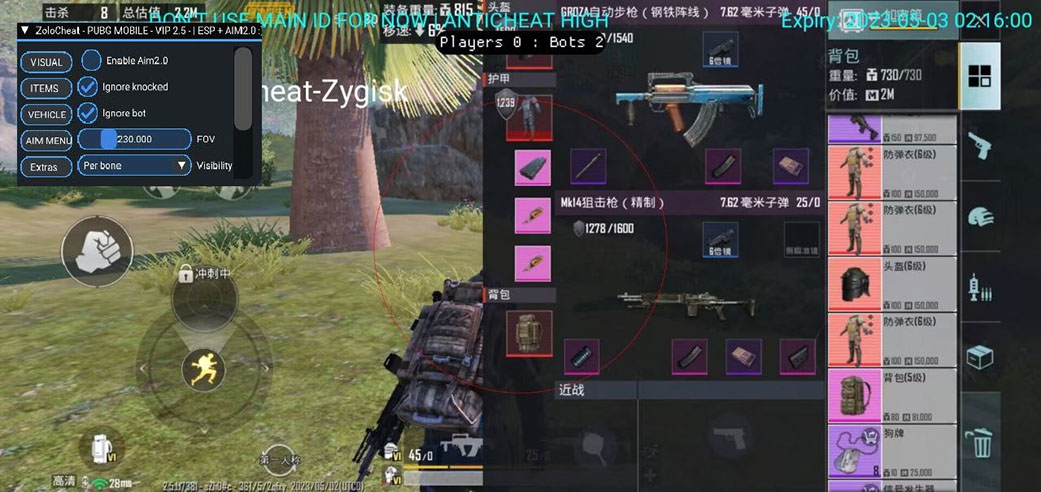
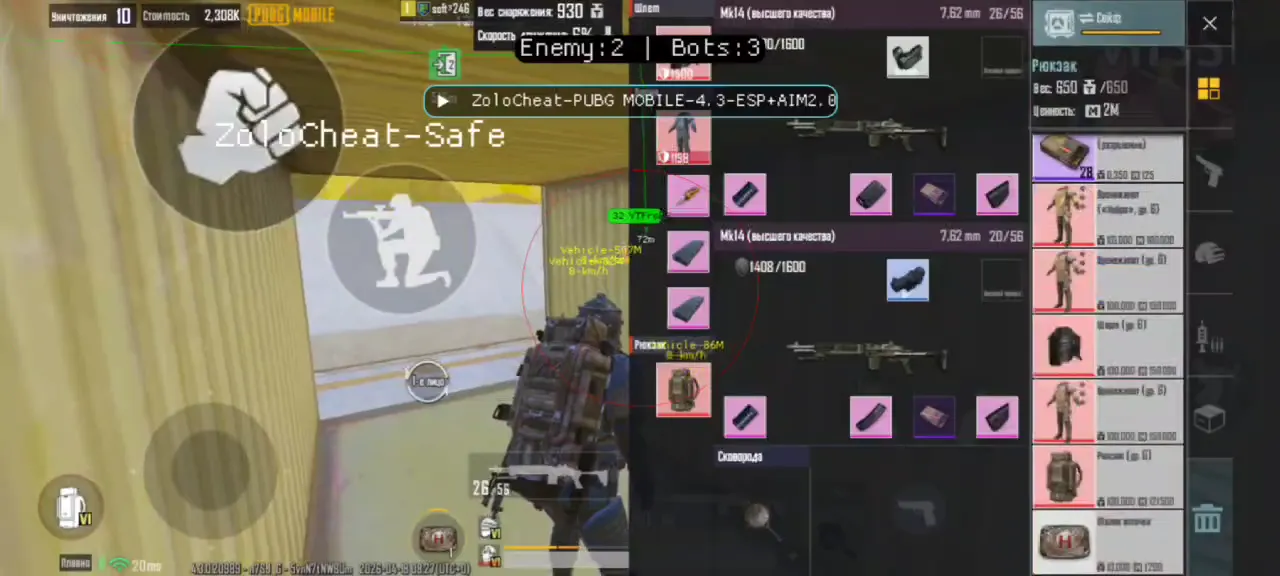
Zolo for PUBG Mobile on Android 9+ provides Aimbot and player ESP. Root is not required; this product is for Android.

Compatibility depends on the developer and product version. Check the current status before purchase and use.

Third-party software can result in an account ban. Zero risk cannot be guaranteed; review the specific product’s status and warnings.

System Requirements

Platform
Android
Additional
Twitter, Facebook, guest, phone number and email login
Root access
Not required
Android
from 9 and above
Checking Detailed status

🔔 Cheat statuses update automatically from our Telegram bot via developer notifications — follow the news there. Many cheats update themselves after game changes, so a “Checking” status does not mean the cheat is broken — it is just uncertainty until confirmed. Not sure? Ask in the site chat or on our Contacts page.

Global keys — work worldwide.

24 hours$2Buy
3 days$4.5$2/day−25%Buy
7 days$7.5$1/day−46%Buy
14 days$10.5$0.75/day−63%Buy
Popular30 days$17.5$0.58/day−71%Buy
Best value60 days$27$0.45/day−78%Buy
Guarantees
Secure Payment
Instant Delivery
Fast Support
Payment with a Binance card

Payment with a Binance card may be available for selected products. Contact us privately before buying to check availability and agree the details.

Ask in private messages

Features

Wallhack

  • Enemy visualization
  • See through walls
  • Precise enemy location

Aimbot

  • Automatic aiming
  • Target body part selection

Customer Reviews

All reviews

Frequently Asked Questions

What features are included in Zolo Pubg Mobile Android?
Zolo for PUBG Mobile on Android 9+ provides Aimbot and player ESP. Root is not required; this product is for Android.
What payment methods are accepted?
Available payment methods are shown by the payment provider at checkout. The options depend on the product and region; confirm the details with support before paying.
How to contact support?
In a private request, include the order number, product and edition, checkout platform, current stage, error and steps already tried. Continue the existing conversation if it already has these details. Hide keys, passwords, login codes, payment details and private links; do not post order numbers in public chats. Contact support.
Payment is confirmed, but the product is missing. How long should I wait?
Open the original order page: delivery method and timing depend on the product and checkout terms. Automatic delivery and manual processing are different flows. If the stated time has passed or delivery is missing despite confirmed payment, send the order number privately to the seller. Help after payment.
I have a key. Where are the download and instructions?
Use the instructions for the exact product and edition you bought, linked in the product listing or order delivery. A key is access data, not a universal download link. Download through those instructions or the order. If the link is missing, ask support about that product rather than using another product's guide. Help after payment.
All questions & answers

After payment you will receive detailed instructions on activation, launch and use of the software.

Instructions will be sent to the email address specified before payment.

You will also find a download link and necessary components for the software.

Cheat community

Cheats for PUBG and PUBG Mobile: updates, detection status and a players' chat.