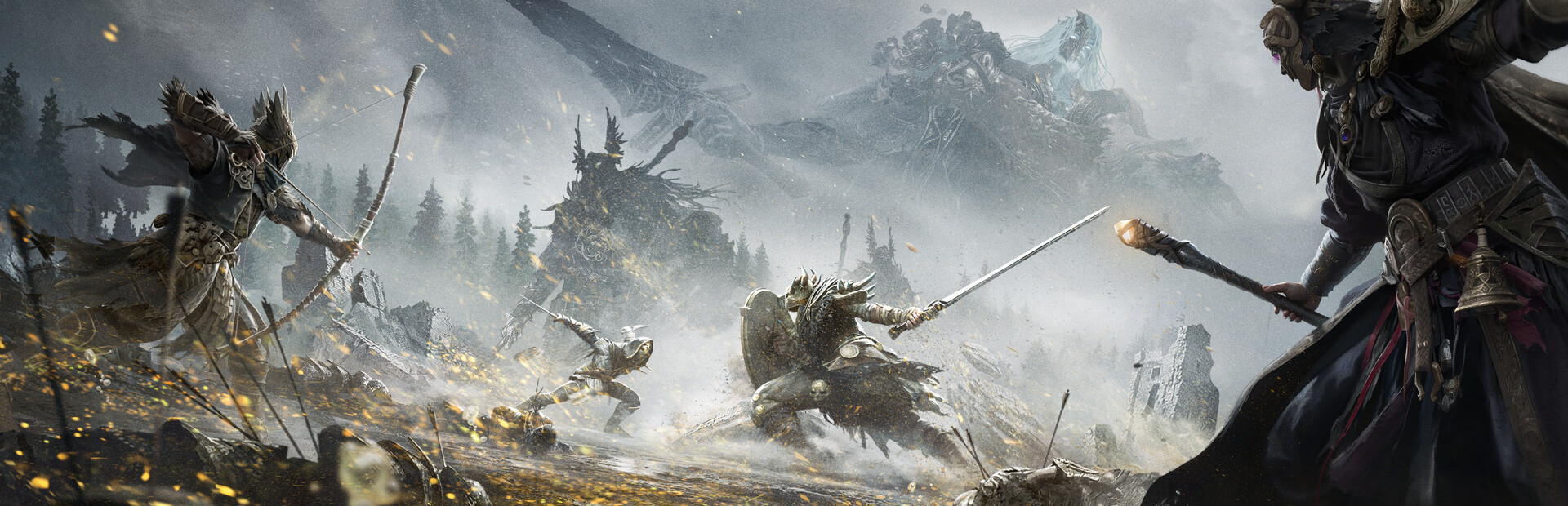
Choosing software for Mistfall Hunter starts with deciding which job it needs to perform. Mason covers a focused set of aimbot, player ESP and loot controls; Arcane expands the visual layers and adds treasures and battle mode; BYSTER emphasizes tactical data about abilities, mobs and traps; Shack combines a conventional aimbot with Silent Aim, appearance overrides and auction automation. None is a universal choice because their features and stated requirements differ.
Use four filters before paying: the exact assistance you want, the information that must appear on screen, compatibility with your Windows build and game mode, and the available access period. The Mistfall Hunter software page contains the listed product cards, but the available data does not state their current status. Confirm that separately before purchasing and launching any build.
Understanding the main feature categories
Aimbot and target controls
An aimbot assists with aim toward a target, but the controls are not interchangeable across these builds. Arcane lists an activation key, maximum distance, always-on or hold mode, and a choice between players and NPCs. Its description also specifies bone selection, visible-target checks, smoothing and an adaptive FOV circle.
BYSTER includes target lock, target highlighting and an option to ignore teammates. Its description adds head, body or nearest-bone selection, movement prediction with weapon-specific correction, filtering for strafes and jumps, and aiming profiles for different classes.
Shack separates mouse aimbot from Silent Aim. The mouse option works while its key is held, whereas Silent Aim redirects the shot without moving the camera. Listed targeting logic includes players, NPCs and downed enemies, visibility checks, automatic best-bone selection, dropping a target after line of sight is lost, and priority by player or lowest health. Its stated range reaches up to 400 metres.
Mason has a narrower control set: an activation key, a visible FOV circle, FOV size, smoothing and highlighting for the target held by the aimbot. These controls expose the capture area and aiming speed without the additional combat systems listed for BYSTER or Shack.
Player, NPC and object ESP
ESP is the visual information layer drawn over game objects. Depending on the build, it can show boxes, skeletons, names, health, distance, class data or view direction.
Arcane separates player and NPC settings. Both layers include background style, regular or corner boxes, box fill, skeleton options and view lines. BYSTER covers players, bots and mobs, with settings for names, class tags and team IDs. Its description also identifies bosses, elites and mini-bosses and mentions incoming-attack warnings.
Shack highlights players and NPCs through walls and can show names, health bars, skeletons and distance, with a separate marker for bots. Mason focuses on corner boxes, snaplines, player distance, ESP type and maximum draw distance.
Loot, treasures and specialized tools
Arcane groups dropped items by rarity from Common through Epic. A separate treasure layer covers containers, portable containers, vessels, bodies and effigies. Item distance, maximum display range and rendering transparency can be adjusted.
BYSTER provides localized item names, item icons and lootable-box detection. It also has a treasure layer and information for ability names, icons and cooldowns. DoomTrap detection and markers make its prop layer a confirmed difference from the other builds.
Shack labels chests, containers and items with names, object type, icons and distance. Its specialized modules go further: the appearance section includes an outfit library and override controls, while the auction bot can find below-market lots, buy them into the Warehouse, list items for sale and keep a trade log.
Mason offers a simpler loot layer with item names, display distance and a separate loot colour. No treasure categories, ability cooldowns, trap detection or auction automation are listed for it.
How the four listed builds differ
The Arcane card details its configurable visual layers. Alongside aimbot and ESP, it lists Fullbright, an FOV changer and a battle mode that can hide players, NPCs or items with a key. An auto-update module is also specified, removing the need for manual updates after game patches.
The BYSTER product card explains its external overlay. Automatic game-window detection and click-through mode are listed, while the menu can automatically use English, Russian or Chinese. Its distinguishing information layers cover abilities, mobs, treasures and DoomTrap props.
The Shack card describes its Silent Aim and auction features. Among these four products, Shack is the only one listing Silent Aim, appearance overrides and an auction bot. Its requirements also say that recording bypass in OBS is available and that a built-in spoofer is not included.
The Mason card presents a compact aimbot and ESP setup. Its controls revolve around FOV, smoothing, player boxes, snaplines, distance and loot labels. Battle mode, ability data, treasure categories and auction tools are not listed.
This is a comparison of documented differences, not a ranking. A longer feature list does not establish a build’s current status, compatibility with an unlisted configuration or safety.
Choosing by practical use case
For a straightforward combination of aim adjustment, player positioning and named loot, Mason is the first feature set to inspect. Its menu is organized around Aimbot, Visuals, Loot and Misc, with a relatively short list of controls.
Arcane is relevant when you want separate visual treatment for players, NPCs, dropped items and treasure objects. Battle mode can reduce selected on-screen layers during combat, while Fullbright and the FOV changer provide additional display options. Those functions should not be assumed to exist in every build.
BYSTER fits a requirement for more tactical context: class and team information, mob categories, ability cooldowns, treasures and DoomTrap detection. Its external, click-through overlay is another selection factor, although the overlay type does not establish that the product is safe.
Shack is the build to inspect when Silent Aim, appearance changes or auction automation is mandatory. These are specialized functions, so consider whether you need them before choosing a longer access period. Their presence does not make the product a general winner for users who only want boxes and loot labels.
System and display-mode requirements
The documented requirements should be checked product by product:
- Arcane supports the Steam version, Windowed or Borderless mode, and Windows 10/11 x64 from build 1903 to the latest. It requires at least 12 GB of RAM; any processor and GPU are listed.
- BYSTER supports the Steam version and runs as an external overlay with automatic window detection and click-through mode. Its requirements do not specify Windows builds, RAM, processor or GPU, so those points require separate confirmation before payment.
- Shack lists Windowed and Frameless modes, Intel and AMD processors, and Windows 10/11 builds 22H2, 23H2, 24H2 and 25H2. It has no built-in spoofer, while OBS recording bypass is marked as available.
- Mason supports Steam in Windowed mode. Its listed systems are Windows 10/11 x64 builds 2004, 20H2, 21H1, 21H2, 22H2 and 23H2, with Intel and AMD processors. OBS bypass is unavailable.
Matching only the broad Windows 10 or Windows 11 name is insufficient. Compare the exact OS build, architecture and display mode. If a specification is absent from a card, do not treat it as supported.
Access periods and the pre-purchase checklist
Arcane and BYSTER list 1-day, 7-day and 30-day periods. Mason adds a 3-day option to its 1-day, 7-day and 30-day choices. Shack offers 1, 15, 30, 90, 180 and 365 days. Consider a longer period only after separately confirming current status and exact compatibility.
Before purchasing, verify:
- Current status is absent from the available data, so confirm it separately before purchase and again before launch.
- The supported Mistfall Hunter version and platform where specified.
- Your exact Windows build, x64 architecture and required display mode.
- Available RAM, especially Arcane’s explicit minimum of 12 GB.
- That every essential function appears on the chosen product, not another build.
- The access period you intend to use.
- OBS, spoofer and overlay limitations if they matter to your setup.
- Any specification omitted from the product card, since an unlisted parameter is not confirmed.
Safety uncertainty and a practical conclusion
The available data does not state a current detection status or provide safety guarantees. It therefore cannot confirm the absence of a blocking risk. References to an in-house anti-cheat, an external overlay, OBS bypass, a spoofer or an auto-update module are only product characteristics and must not be interpreted as evidence of safety.
The practical shortlist is based on function rather than a winner: Mason for a focused aimbot and ESP set; Arcane for detailed visual layers, treasure categories and battle mode; BYSTER for richer tactical information and an external overlay; Shack for Silent Aim, appearance controls and auction automation. After choosing the required feature set, compare the documented requirements with your system and separately confirm the status that is missing from the available data before paying or launching.
Dominate Mistfall Hunter with our software
Statuses update automatically; ambiguous cases are reviewed manually. Sales may be paused during extended updates.