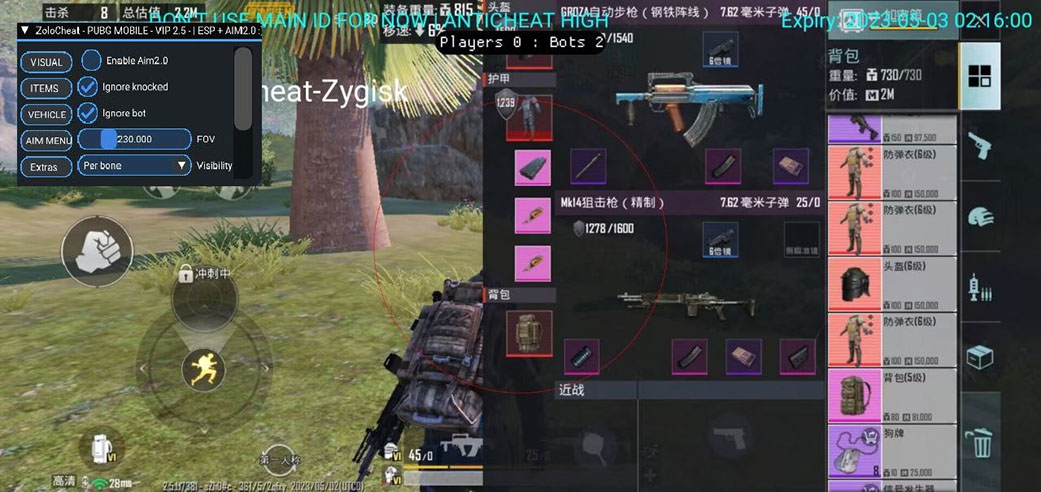
Choose PUBG Mobile software for a specific device and game build. Android without ROOT, rooted Android, iPhone and a Windows emulator require different products. Even two GameLoop products can support different Windows releases. This guide helps you choose the right group, check its limits and open the relevant product card.
Identify your platform first
Before comparing features, note your device, operating-system version, PUBG Mobile client and login method. On a PC, add the emulator name, version and bitness. On Android, check whether ROOT is available; on iOS, check the system version and installation method.
Start with the phone catalogue or the emulator catalogue. These narrow the search, but each product still has its own requirements. A PUBG Mobile label does not establish support for every device.
Android without ROOT
For an unrooted phone, compare these options:
- Zolo requires Android 9 or later without ROOT. Its listed functions are enemy visuals and aimbot. Twitter, Facebook, guest, phone-number and email login are listed.
- Shield is listed for Android without ROOT. It includes player and vehicle ESP, aimbot controls and recoil compensation. Its login list includes Twitter, Facebook, guest and email.
- VVIP lists Android 5.0 or later without ROOT and a minimum of 2 GB RAM. Features include ESP, aimbot, loot display and a Memory Hack section.
Do not transfer one card’s requirements to another. Login methods and minimum Android versions can differ. Confirm an unlisted login method before paying.
Android with ROOT
Ninja / SharpShooter requires ROOT on Android 5 or later. Its card lists player, loot and vehicle ESP, touch aimbot, configuration options and recording features. It is an option for a prepared Android device, rather than one universal build for phones, iPhone and PC.
If ROOT is absent, a desirable feature list does not remove that restriction. Resolve compatibility first; do not substitute a virtual machine for a confirmed platform on assumption.
iPhone and iPad
Oasis lists iOS 17.4 or later without Jailbreak. ESP, aimbot and Silent Aim are documented, with installation through a PC or a certificate. Before buying, check which installation route is available for your device and whether your login method is supported.
A no-Jailbreak requirement describes installation. It does not mean that the game account is protected from restrictions.
GameLoop on Windows
For GameLoop, check the 32-bit build specifically:
- Aquila is for GameLoop 32-bit on PC, using Windows 10 or Windows 11 up to 23H2. Its features include aimbot, visuals, radar and loot display. It is not an Android no-root phone product.
- Fsociety supports GameLoop 32-bit only. Its requirements allow Windows 10/11 up to build 26200.8037 inclusive and exclude newer Windows 11 builds. ESP, aimbot and recoil controls are listed. Silent Aim and No Spread are separately marked as TDM-only features.
GameLoop support for one product does not establish support for GameLoop 64-bit, MuMu or BlueStacks in another. A TDM restriction also cannot be treated as support for those functions in every match type.
MuMu, LDPlayer and BlueStacks
Shadow lists MuMu Player 12, LDPlayer 9 and BlueStacks 5 on Windows 10/11. Its card includes ESP, aimbot, item filters and recording. Rooted Android phone support is documented separately.
This is Shadow’s own compatibility list. Do not add GameLoop simply because both solutions run on a PC. For GameLoop, compare Aquila and Fsociety requirements instead.
Match features to your purpose
ESP presents information about targets and objects; aimbot concerns aiming. Radar, recording, item filters and Memory Hack are separate capabilities to check for each offer. A feature name alone does not establish its operating modes, restrictions or compatibility.
A short list of required functions is more useful than choosing the longest card. Check that the same product also matches your system, client and intended game mode.
Checks before payment and launch
- Match the device, OS version and game client.
- Check ROOT or Jailbreak requirements where relevant.
- On PC, confirm the emulator and its bitness.
- Confirm the login method and required game mode.
- Read the card’s current requirements and status; ask support before payment if anything is unclear.
- After a game or OS update, check compatibility again before launching.
A published page or open sales does not prove that a particular build works today. Cheat use can lead to account restrictions. Installation format, ESP without aimbot or a separate device does not guarantee safety.
Frequently asked questions
Can Aquila be installed on Android without ROOT?
Aquila’s requirements specify Windows and GameLoop 32-bit. For an unrooted phone, consider products explicitly listed for that platform, such as Zolo, Shield or VVIP.
Does Ninja suit a phone without ROOT?
No. The published Ninja / SharpShooter requirements make ROOT mandatory. Do not choose it as a replacement for an Android no-root product.
Do Shadow and Fsociety support the same emulators?
No. Shadow lists MuMu Player 12, LDPlayer 9 and BlueStacks 5. Fsociety is limited to GameLoop 32-bit and also limits the Windows build.
Does no ROOT or Jailbreak mean there will be no ban?
No. Those terms describe installation conditions. Game-account restriction risk remains independently of them.
Catalogue and current terms
Compare offers for your platform in the full PUBG Mobile catalogue and check current terms on the selected card. For the separate PC game PUBG, use the PUBG PC guide.
Dominate PUBG Mobile with our software
Statuses update automatically; ambiguous cases are reviewed manually. Sales may be paused during extended updates.