Ghost Apex の Apex Legends
Ghost Apex — Aimbot・ESP・レーダー搭載のApex Legends向けソフトウェア
開発者: Ghost
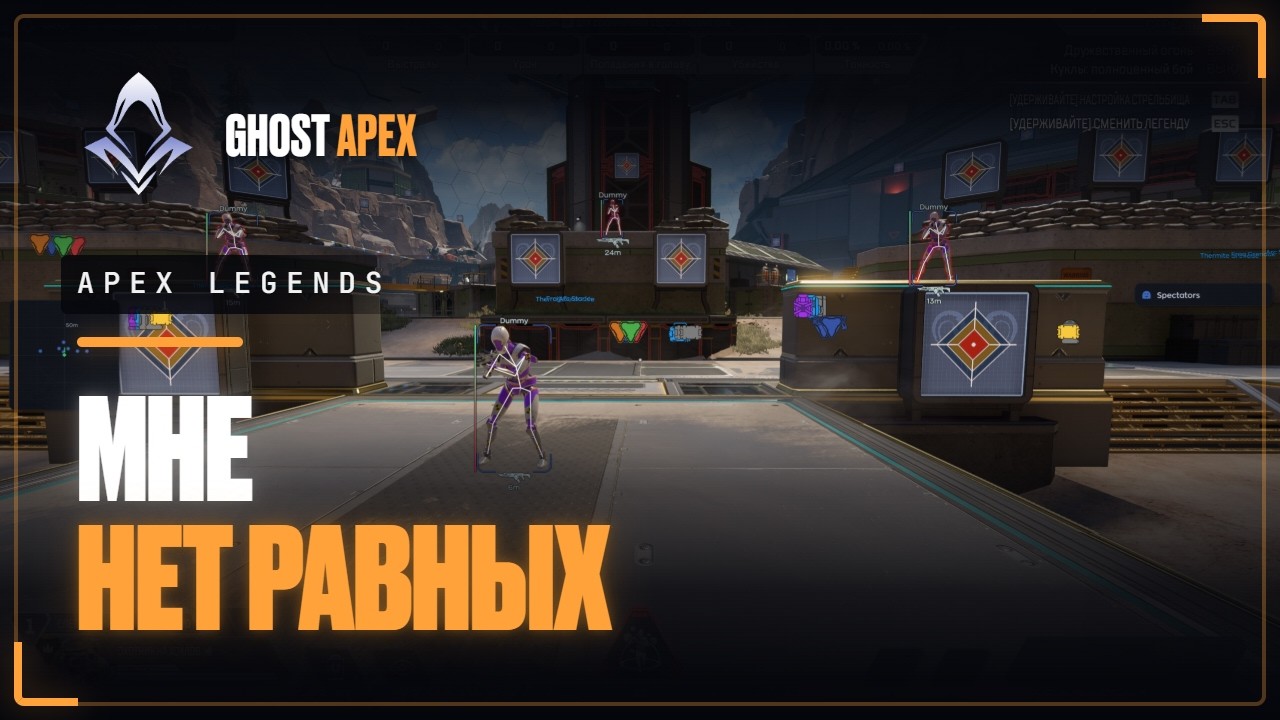
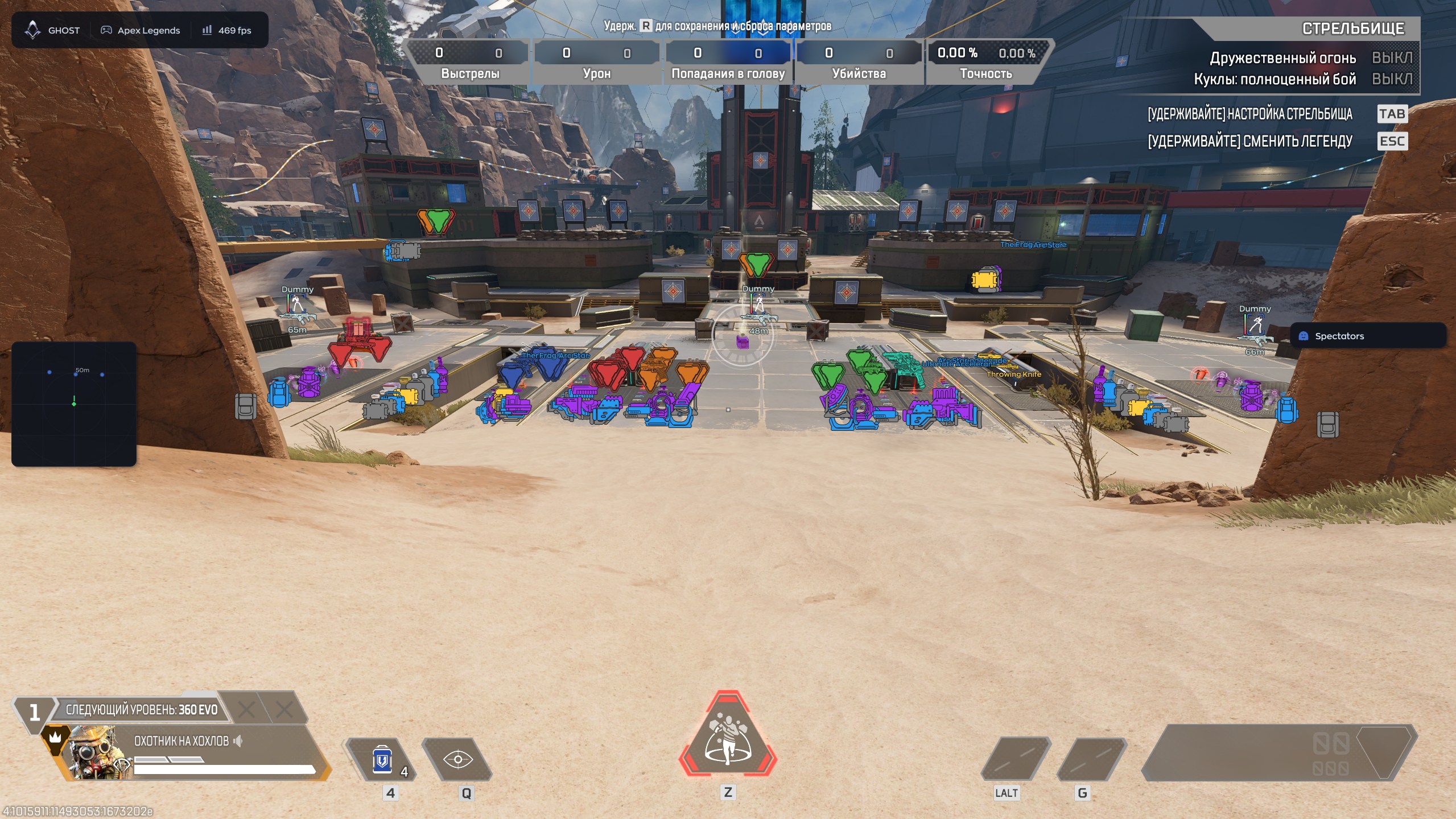
Ghost Apexは、Steam版Apex Legends向けのゲームソフトウェアです。調整可能なAimbot、プレイヤーESP、ルート表示、画面内レーダー、設定保存システムを搭載しています。1日、7日、30日のキーを選べます。
システム要件
オペレーティングシステム
Windows 10 | 11 (All versions)
ゲームクライアント
Steam
プロセッサ
INTEL | AMD
ゲームモード
ウィンドウ | ボーダーレス
Video Card
NVIDIA | AMD
Spoofer
なし
Usb Drive
不要
ゲームの最新パッチ: 2026年8月26日
稼働中 詳細ステータス
🔔 チートの状態は開発者の通知に基づき当社のTelegramボットから自動更新されます — そちらで最新情報をフォローしてください。多くのチートはゲームの変更後に自動更新されるため、「確認中」の状態はチートが動作しないという意味ではなく、確認までの不確実性にすぎません。不安ですか?サイトのチャットで質問するかお問い合わせをご確認ください。
機能
AIMBOT — エイム
- Enable — turns the aimbot on or off
- Field of View — sets the target acquisition area
- Smooth — adjusts aiming smoothness
- Hitbox — selects the body area to target
- Bone Mode — selects a specific model bone
- Visible Check — targets visible opponents only
- Max Distance — limits the operating distance
- Prediction — accounts for target movement and bullet travel
- Recoil Control — compensates for weapon recoil
- Humanize — gives crosshair movement a more natural feel
- Jitter — adds configurable micro-movements
- Deadzones — areas where the aimbot does not adjust the crosshair
- Reaction Min / Max — minimum and maximum reaction delay
- Max Speed — limits maximum aiming speed
LOOT — アイテム
- Enable — turns loot display on or off
- Weapons — displays weapons
- Gear — displays armor, helmets and backpacks
- Healing — displays med kits, syringes and shield batteries
- Ammo — displays ammunition
- Attachments — displays sights, magazines and stabilizers
- Icon Size — adjusts icon size
VISUAL — プレイヤーESP
- Box — draws a box around a player
- Legend Name — displays the opponent’s legend
- Player Name — displays the player’s nickname
- Skeleton — draws the model skeleton
- Distance — displays the distance to the target
- Snapline — draws a line from the player to the target
- Weapon — displays the opponent’s weapon
- Offscreen Arrows — points to enemies outside the visible area
- Health — displays player health
- Glow — highlights the player model
WORLD — レーダー
- Enable — turns the radar on or off
- Draw Outline — adds an outline around the radar
- Draw Background — enables the radar background
- Point Style — displays targets as dots, arrows or squares
- Size — adjusts the radar window size
- Max Distance — sets the maximum target display distance
- Point Size — adjusts marker size
- Zoom — changes the scale of the displayed area
SETTINGS — 設定
- Config System — manages configuration profiles
- Create / Delete / Save / Load — manages saved settings
- Menu — customizes the menu appearance
- Watermark — displays the product logo and name
- Keybind Indicator — shows active hotkeys
- Shadow Text — adds text shadows
- Hide From Capture — hides the product interface from screen capture
- Battle Mode — provides a simplified combat layout
- Crosshair — enables a custom crosshair
- Menu Key — selects the menu hotkey
- DPI Scale — adjusts the interface scale
メニューのスクリーンショット

これはどういう意味?
カスタマーレビュー
すべてのレビューよくある質問
Ghost Apexの使用は安全ですか?
はい、Ghost Apexはセキュリティを重視して設計されています。高度なアンチチート回避技術を使用し、定期的にソフトウェアを更新しています。ただし100%のBAN防止保証はありません — 別アカウントの使用を推奨します。
Ghost Apexのインストールと起動方法は?
購入後、oplata.infoへのリンクが届きます。手順書、ダウンロードリンク、アクティベーションキーが含まれています。ステップバイステップのガイドに従ってください — インストールは通常2〜5分です。
Apex Legendsのアップデート後もGhost Apexは動作しますか?
Apex Legendsの各パッチ後、Ghost Apexを迅速に更新します。更新は通常1〜48時間以内にリリースされます。更新中はサブスクリプションが凍結され、支払い済みの時間は失われません。
Ghost Apexにはどんな機能が含まれていますか?
Ghost Apexの機能セットは選択プランによって異なります。通常、Aimbot、ESP/Wallhack、Radarなどが利用可能です。機能の完全なリストは上記の商品説明をご覧ください。
どの支払い方法が利用できますか?
利用可能なお支払い方法は、決済時に決済事業者が表示します。商品や地域によって異なるため、支払い前にサポートへ詳細を確認してください。
サポートにはどう連絡しますか?
個別連絡で注文番号、商品とエディション、決済先、現在の段階、エラー、試した手順を伝えてください。すでに情報がある場合は元の会話を続けてください。キー、パスワード、ログインコード、決済情報、非公開リンクを隠し、注文番号は公開チャットに投稿しないでください。 サポートに連絡.
支払いは確認済みですが商品がありません。どのくらい待ちますか?
元の注文ページを開いてください。配信方法と期限は商品と購入条件で異なります。自動配信と手動処理は別の流れです。指定期限を過ぎた場合や、支払い確認後も商品がない場合は、販売者に注文番号を個別に送ってください。 お支払い後のヘルプ.
キーはあります。ダウンロードと手順書はどこですか?
購入した商品とエディションに対応する手順書を使ってください。商品ページや注文の配信内容にリンクがあります。キーはアクセス情報であり、共通ダウンロードリンクではありません。その手順書か注文からダウンロードしてください。リンクがなければ他商品の手順を流用せずサポートへ確認してください。 お支払い後のヘルプ.
お支払い後、ソフトウェアのアクティベーション、起動、使用方法の詳細な説明をお届けします。
説明はお支払い前に指定されたメールアドレスに送信されます。
ダウンロードリンクと必要なコンポーネントもそちらでご確認いただけます。
チートコミュニティ
チートのアップデート、検出ステータス、他プレイヤーからのサポート — TelegramとDiscordで。